ROG Xbox Ally X review - an impressive handheld PC wearing an Xbox mask
This is a...
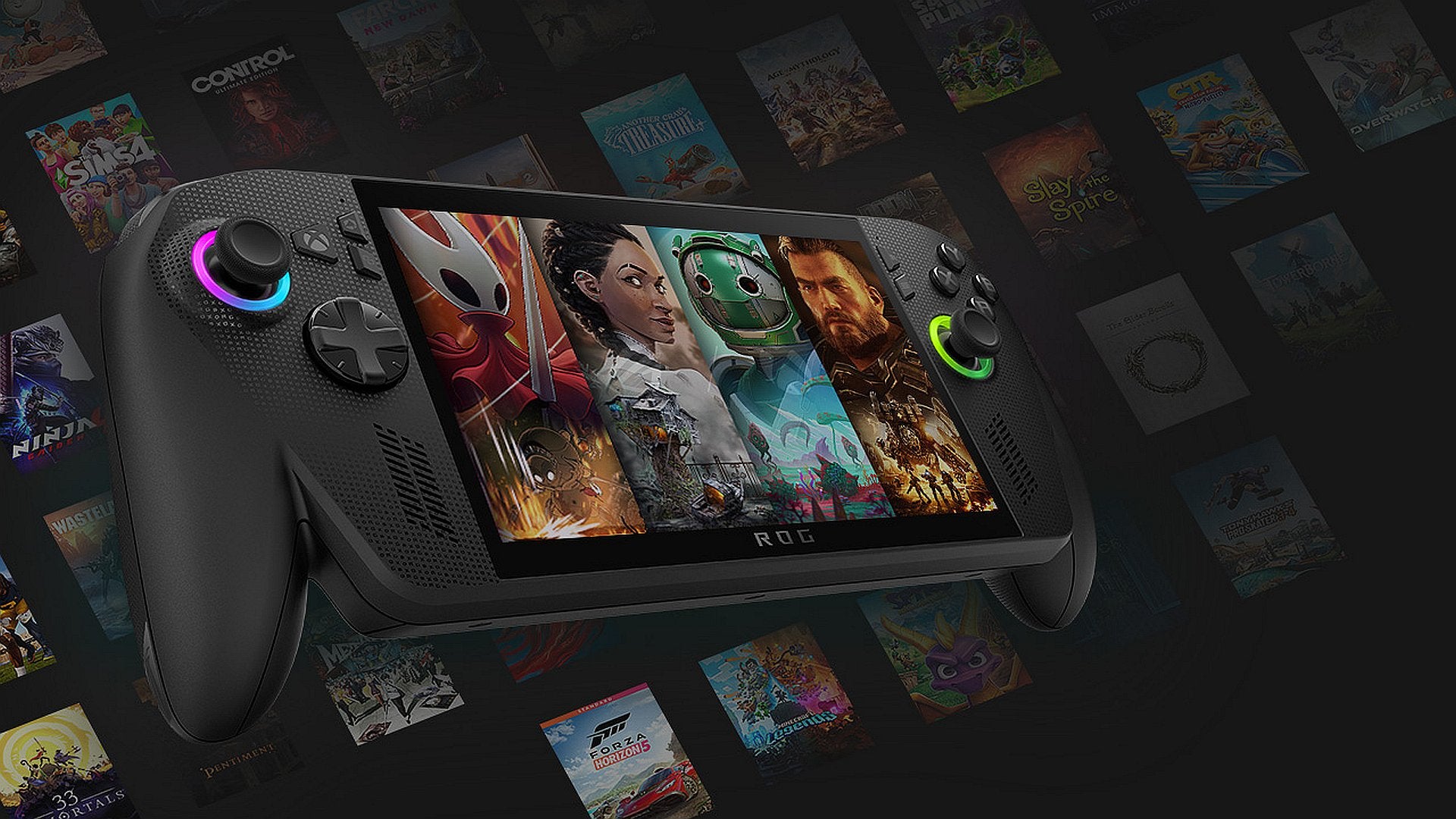

Do I like the ROG Xbox Ally X? Yes. Does it give me those sweet techdorphins you get from using a lovely bit of new kit? Will it replace my Steam Deck? Almost certainly. Is it an Xbox? Hmmm. While writing this I actually paused here to figure out the sound I made after asking myself the question. While I wrote "hmmm", it was more sort of a "tsk" but a questioning one. The kind of sound you'd make if asked the universe's most impossible question. "Is this new handheld an Xbox or a PC?" I ask myself again, hoping my abrasive tone will knock some sense out of my brain.
Microsoft would have you believe everything they say is an Xbox is an Xbox - be it an actual Xbox, a PC, a phone, or a VR headset - simply because they say it is. I get the argument and the sales pitch, but the reality is that this is a powerful handheld PC that is made to appear like an Xbox console; a disguise of sorts that works decently well for 80 percent of the time. The tricky part for Asus and Xbox here is that while there is direct support for the Xbox (PC) store and Game Pass, they also have support for other stores, including Steam, Epic, EA, Ubisoft, GOG, and Battle.net - plus everything else you want to do - If you really wanted, you can even hook up a keyboard, mouse, and monitor and use it as a proper PC. If you found the Steam Deck to be not console-like enough, then you might want to reset your expectations for the ROG Xbox Ally X.
I am, for my sins, pretty much all-in with Xbox, and have been more or less from the beginning apart from that disappointing first half of the Xbox One era that only really got turned around once the Xbox One X was released. The Series X is the main console hooked up in our living room, it's the console my son uses, it's our Game Pass machine, and it generally offers a better user experience than the PS5. In short, I've used a proper Xbox a lot and have loads of games tied up to that ecosystem.
Key to how the ROG Xbox Ally X (and the cheaper, less powerful non-X version) feel to use is the new Xbox fullscreen experience. This essentially gives the impression of a focused handheld console, hiding away Windows behind a more streamlined console-like experience. Imagine Steam's Big Screen mode and implementation on Steam Deck, but not quite as slick. While this fullscreen mode does well to keep Windows and its multitude of apps out of sight, it does pop up, sometimes quite visibly.
Xbox (PC) store games and Game Pass (PC) games can be found and installed seamlessly, and using just this ecosystem gives a UI experience not too far from that of a dedicated Xbox console. The whole thing still feels a little like a desktop PC app that's been rejigged for a handheld, but it gives the impression of being gated off from the stuff you'd usually be staring at on a Windows PC. The biggest issue here is Xbox's Play Anywhere initiative, which was designed so that you can buy a game in the Xbox ecosystem and can play it on all Xbox devices. In practice it's some way off being ideal, and requires players to inform themselves as much as possible to avoid disappointment.
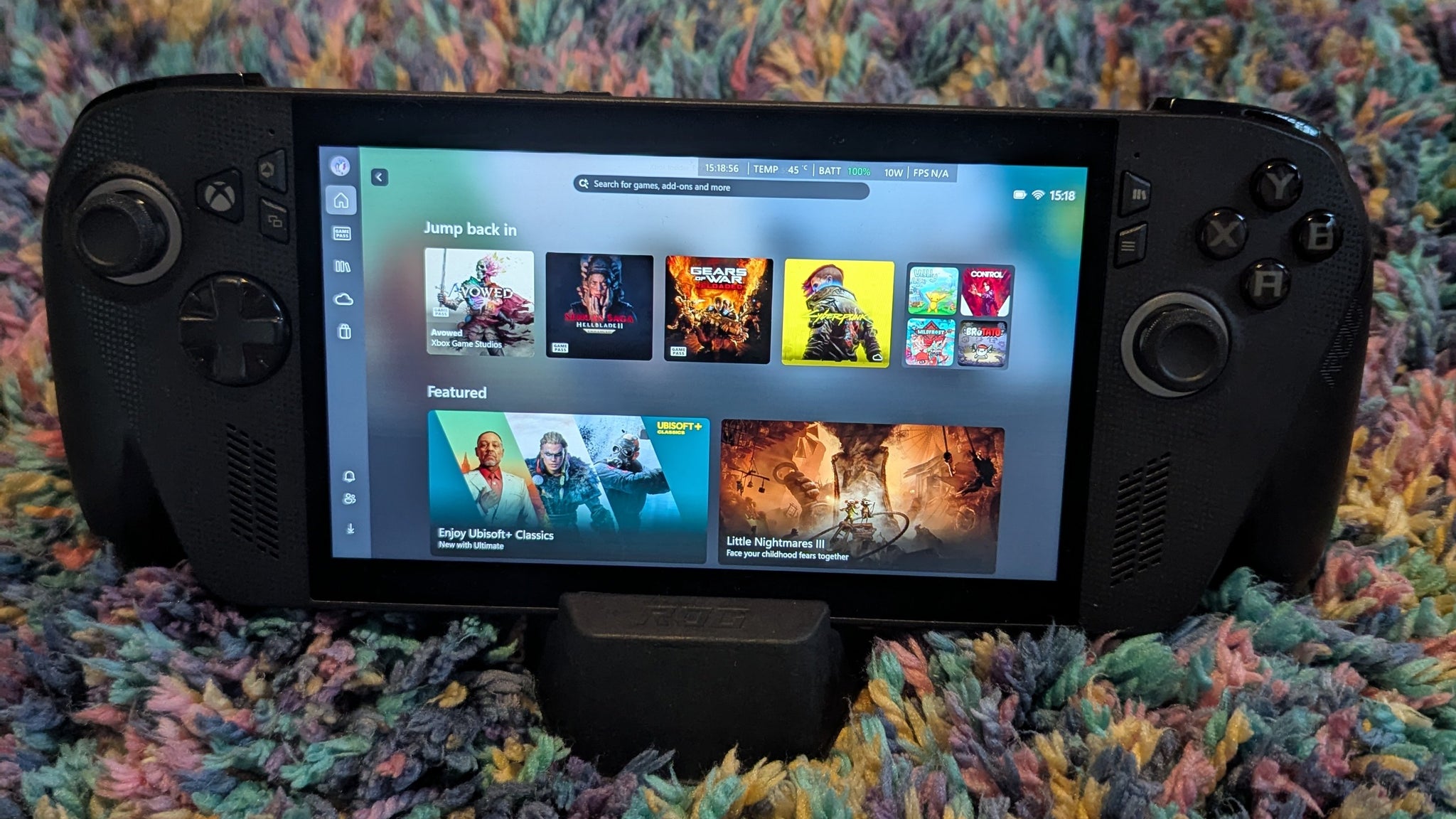
Play Anywhere is certainly an appealing proposition. With Xbox now not tied down to a single console platform, and "This is an Xbox" being used to refer to PCs, phones, and VR headsets on top of the consoles we actually call Xbox, it should in theory be easy to play my Xbox games wherever I want. It hasn't exactly been completely smooth to date, though. Xbox is quite clear about which games support Play Anywhere, but if you don't do your research and buy a ROG Xbox Ally X expecting to have access to all your Xbox games, you'll be in for a shock.
Let's take CD Projekt Red's two biggest releases, The Witcher 3 and Cyberpunk 2077 - games I'm keen to play on this powerhouse of a handheld. I own both of these games on Xbox, the games being playable on my Xbox Series X. Despite owning these on the Xbox ecosystem, neither game is available on the Xbox PC store and they aren't Play Anywhere titles, so I can't play them on the ROG - not unless I want to stream them in via cloud gaming, which isn't ideal and not an option in all situations. I understand why this is, but it's a dangerous game to market something as an Xbox, but then only provide partial compatibility, especially when you are pushing a console-like experience. This gap in the games library then forces you to the other available PC game stores, and the Xbox mask really starts to slip.
The other stores each have an app that can be installed. This means that when you, for example, load Steam, it'll open in a full-screen app, once again hiding Windows. What's not so great is when you download an app and things don't go smoothly. I downloaded Ubisoft Connect from the Xbox apps screen, which was nice and smooth, but then nothing happened. A little browse through the open apps revealed an installer hidden away, asking me to select a language, and then a classic Windows installation box asking me to confirm the destination folder. If you're coming from a PC gaming background you might not give this a second thought, but console players might be a little shocked by these moments that pierce through the console-like veneer.
Specific ROG settings, too, shatter the Xbox illusion. On the ROG there's a Command Center that operates aside from the Xbox app. The toolbar version is harmless enough, but to delve deeper you must open the app fully and leave the Xbox familiarity behind. Updates to apps and services are also handled separately to the main Xbox app, which I feel could have been integrated more seamlessly.

None of this bothers me as such, but I would be lying if I didn't wish the whole thing was possible to experience just like a console with one unified UI. Games, too, can each be customised to run as you wish (as is the way on PC), which is far beyond what console players are used to - this is a PC after all. Xbox has introduced what it calls Handheld Compatibility, which it claims presents certain games ready to play without the need for tinkering. Is this the perfect solution to offer both a console-like experience and the expected PC customisation?
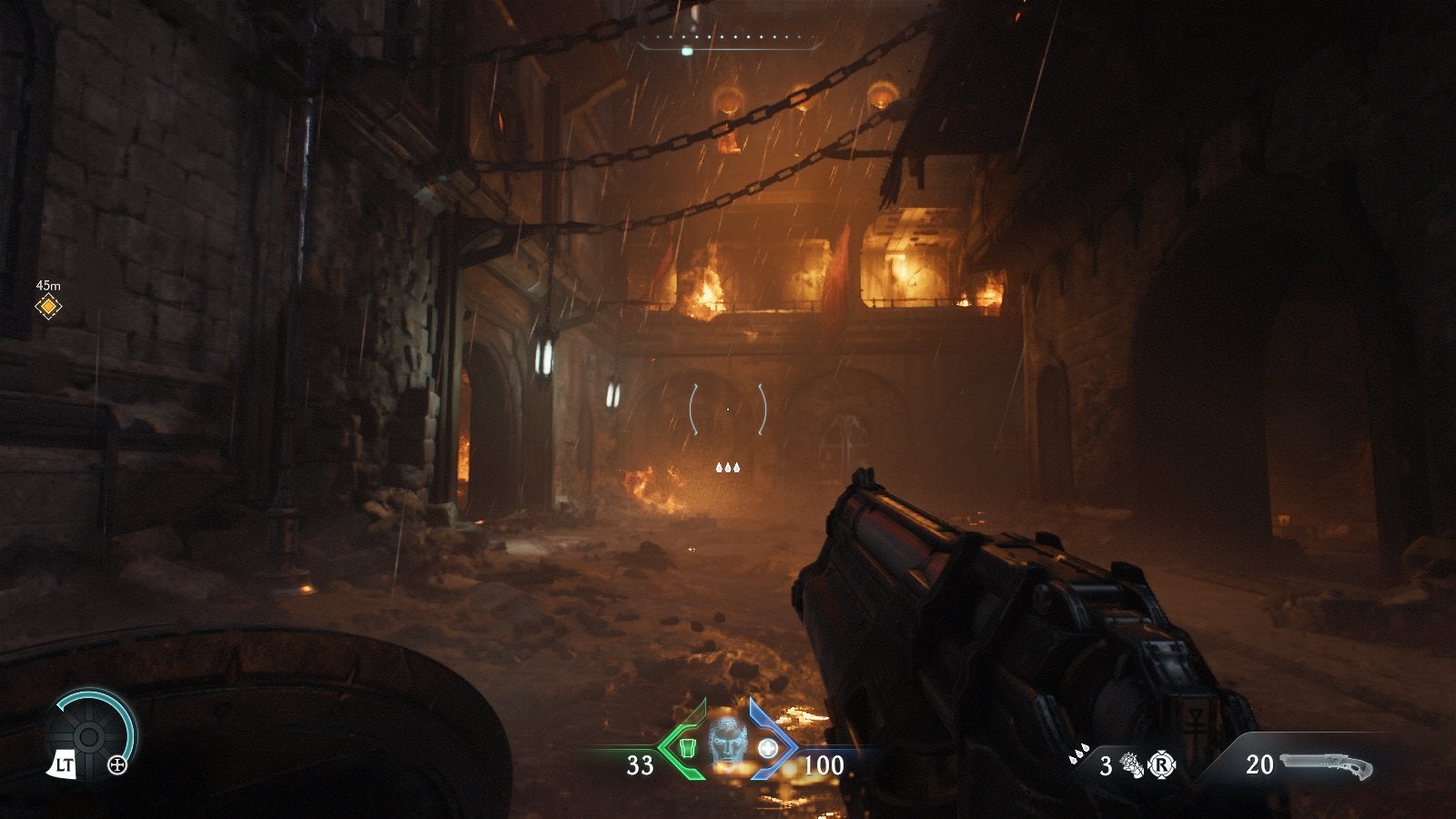
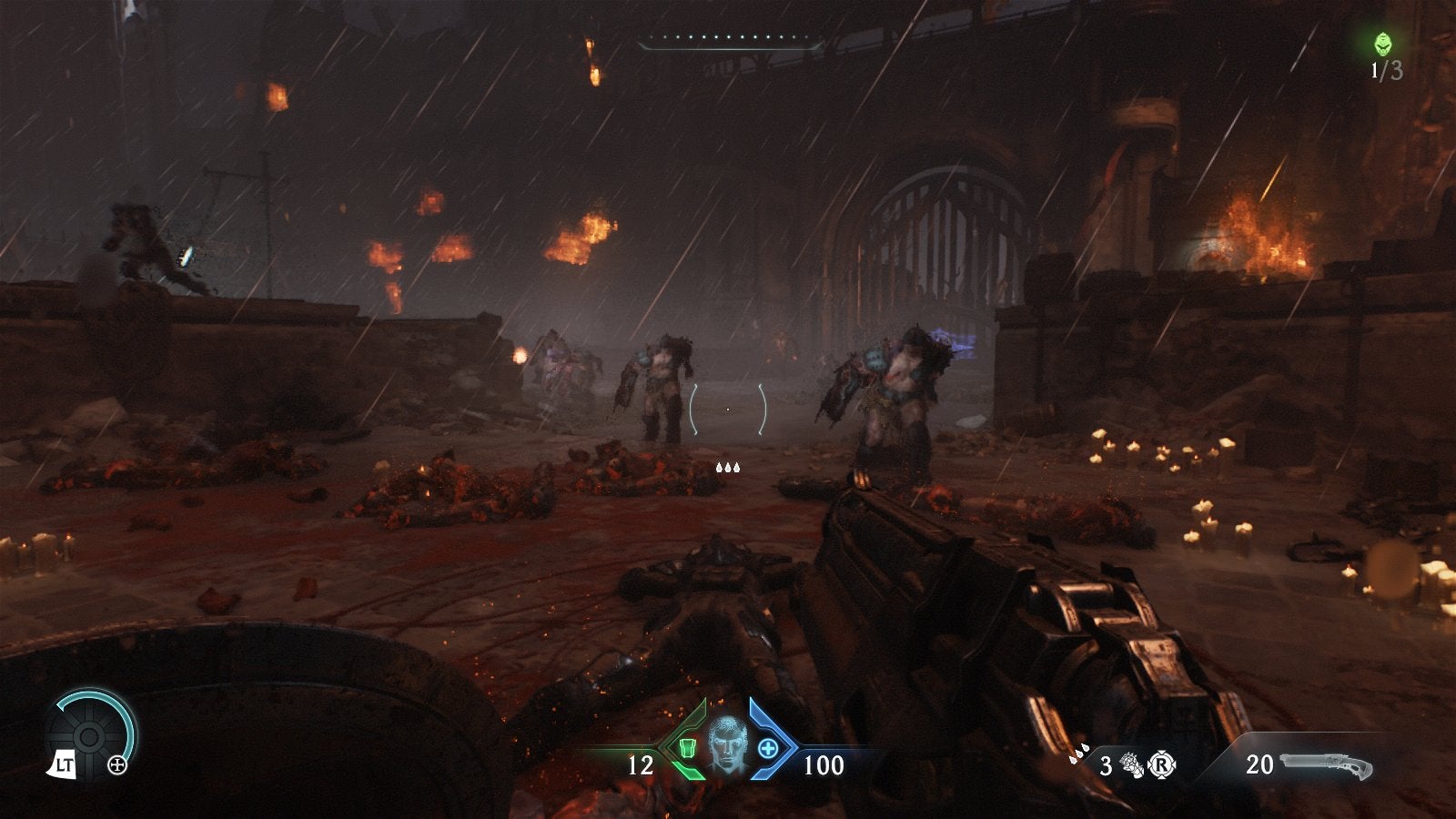
Green-badged games are said to be Handheld Optimised, so you can jump straight into gameplay and not get bogged down in settings menus. To test this out I launched Gears of War: Reloaded, a green-badged game, and opted to go straight into the action. Sure enough, the game ran extremely well and looked nice to boot. I then tested out Indiana Jones and the Great Circle and South of Midnight, two recent-ish Xbox-published games that are designed for this generation of consoles.Indy defaulted to low settings, but looked good on the small screen and ran steadily above 30 FPS, whereas South of Midnight felt right at home on the handheld.

How well each game supporting this badge performs will take considerable time to assess, but the signs are promising. Upcoming releases Ninja Gaiden 4 and The Outer Worlds 2 are both showing the green badge, and both would have seemed likely to present performance challenges on the handheld. How they perform out of the gate will be interesting to see. On Steam Deck Valve uses a similar system to tell users how games will run on the Deck, but an Optimised verification there hasn't always meant the game performs well.
Sadly, a lot of games on the Xbox store, including many Xbox published games, fall into the blue-badged Mostly Compatible category, meaning you'll need to do some tweaking to get them playing best on the handheld. This includes Doom: The Dark Ages, Halo Infinite, Avowed, Halo: The Master Chief Collection, Hellblade 2, Black Ops 6, Starfield, and The Elder Scrolls IV: Oblivion, and that's far from the complete list. I don't think it's asking too much to want these games, published by Xbox or its owned publishers, to be configured out of the gate in an optimal way to run on the ROG. It's what I'd expect from an official Xbox product.
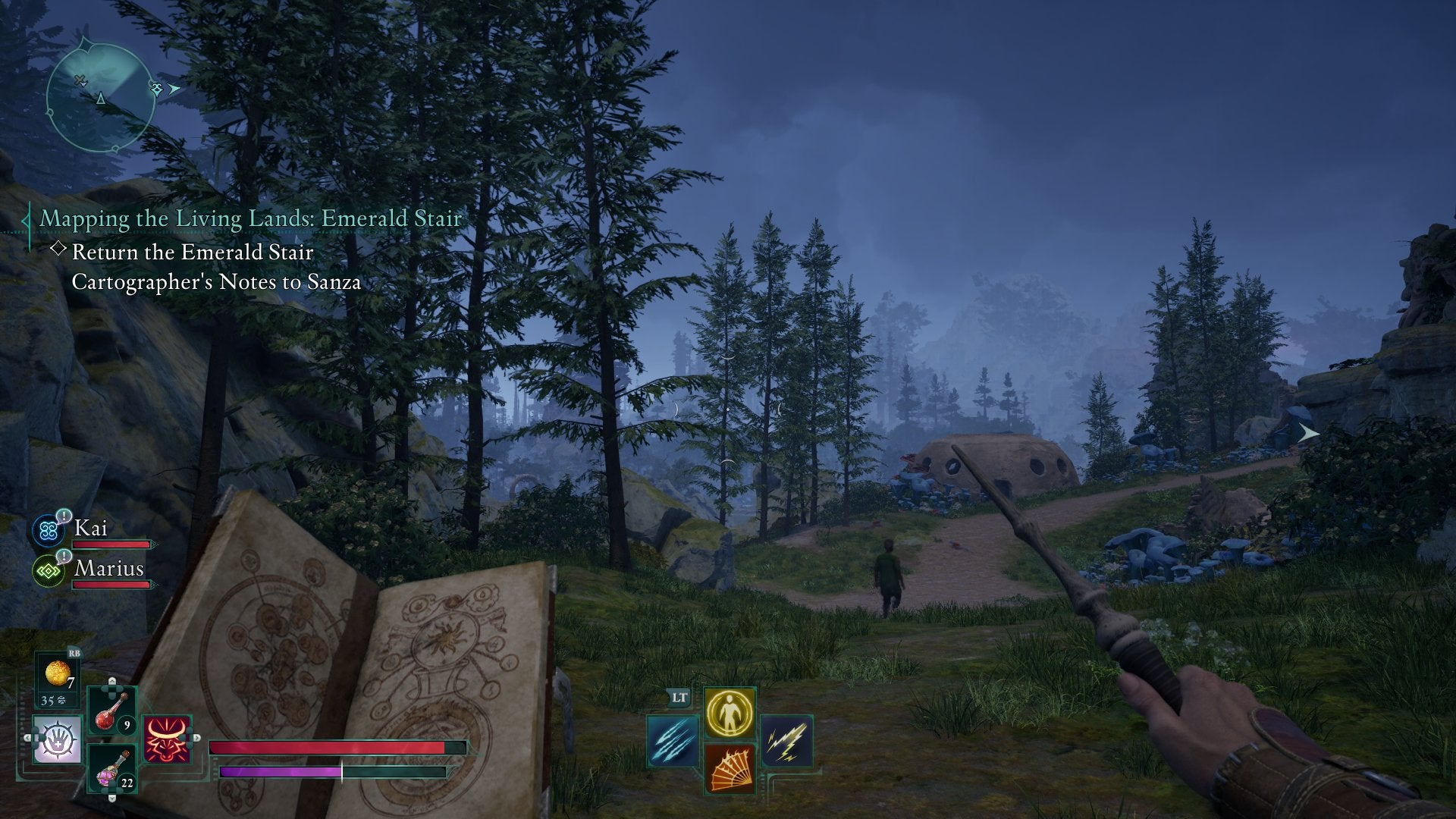
I'm not going to delve too deep into performance analysis, but I spent a good chunk of time testing a bunch of current-gen games that don't sport the green badge on the ROG Xbox Ally X and compared them to my trusty basic Steam Deck - a modern RDNA 3.5 Z2 Extreme-powered device vs a rather old RDNA 2.0 GPU. Avowed, Hellblade 2, Dead Space, Doom: The Dark Ages, Avatar: Frontiers of Pandora, and Borderlands 4 is a decent mix, and the majority of these run pretty terribly on Steam Deck or at best can be made to run at an acceptable frame rate with huge graphical compromises. Without much tinkering I was able to get them all nicely playable on the ROG, and didn't have to roll out the potato settings.

If you are considering a ROG Xbox Ally X having been gaming on a Steam Deck, then, I'd say it will offer a pretty sizable improvement to your gaming experience across newer, more demanding games, in many cases making previously off-limits games perfectly playable. The benefits become less clear if you have already moved on from a Deck to one of the PC gaming handhelds with a previous generation Z1 Extreme chip inside, such as the ROG Ally X or the Legion Go - yes, it can become confusing!
Once the ROG Xbox Ally X releases I expect the Z1 Extreme-equipped Ally X will sell pre-owned for around £400-£500. Are you getting an extra £300-£400 worth of performance gains here? 15-30-ish percent extra in frame rate might mean a game that was in the low 50s manages to hit 60 FPS, for example, and a game struggling to get to 30 FPS would easily now move beyond it. Ultimately the value in this extra horsepower is largely going to depend on what you are playing. Borderlands 4, for example, needs every last morsel from the ROG Xbox Ally X to make it an acceptable version of the game I'd want to play. There's also every chance performance improves as new drivers are released, widening the gap a little more.
At £800 this isn't a cheap handheld - for comparison the basic Steam Deck is £349. The ROG Xbox Ally X is more powerful than a Steam Deck, by a considerable margin that does make playing those more demanding releases a far more pleasant experience. And it's got a nice VRR 120Hz screen, plus better battery life providing you aren't pushing the GPU too hard (I got about 90 minutes play time while maxing out performance, but in excess of six hours in less demanding games). But it's not quite as high-end as you might expect. The main sore point for some will be the lack of an OLED screen, something that had to be omitted to keep the cost down. It's not something that bothered me - neither my Deck or Switch 2 have OLED screens - but if you are coming from a handheld that does then you might find this a bitter pill to swallow.
While you can get similar handheld performance from the Lenovo Legion Go 2 and MSI Claw A8, the ROG compares favourably here on price. The Claw A8 has a larger screen with a £50 premium, and the Go 2 has a larger OLED screen and more memory for an extra £100, but the ROG is by far the most comfortable chunky handheld I've held thanks to its Xbox controller-style prongs. It's still rather too big to be a device you whip out for a few minutes on the bus like you might have done with a Nintendo DS, but I'd rather use the ROG Xbox Ally X for a proper play session than I would the Steam Deck, or the Switch 2 for that matter.
Penny pinching isn't unusual in tech these days, but it's worth nothing that in this £800 box there's no case included (even the cheapest Steam Deck ships with one, while the official ROG case is £60), and the stand in the box is a cheap bit of moulded cardboard that feels slightly insulting to a device aiming at the high-end market. A dock will also cost you extra, although you can hook up to a TV using a USB to HDMI cable and use the cardboard stand if you don't want to spend much more. If you do want to spend more, though, it's possible to transform this handheld into a tiny beast of a gaming PC - the ROG XG Mobile (2025) external GPU costs £1400, but promises performance up to a GeForce RTX 5090 Laptop GPU. Hook that up and connect to a TV or monitor and you've got a lot of power to play with.
It's worth noting that Xbox is promising some extra upscaling in the form of Automatic Super Resolution (Auto SR). This uses the power of the in-built Neural Processing Unit to present low-resolution rendering at a higher resolution on large displays, it won't be available until early 2026, so I can't say how useful it'll be.

Back to that big question, then: Is the ROG Xbox Ally X actually an Xbox, and does it even matter? The answer, in truth, will vary depending on how much you have used and are expecting an experience like that of an Xbox console. For me, while the ROG Xbox Ally X opens the door to being a console, it's still quite clearly a PC, which presents a number of quirks, but also benefits that can't be overlooked. A true Xbox ecosystem experience without the need for game-by-game tweaking would be wonderful, but access to all PC gaming stores, with downloaded games all aggregated in one serviceable app, is worth the trade offs if you are more excited about PC gaming than Xbox gaming.
Only you can say if £800 is a reasonable price for a handheld that is capable of playing new, technically demanding games, but it's essentially what you need to pay to get this level of performance. Ultimately, I like what the ROG Xbox Ally X offers. It's not a true Xbox handheld console, but for a lot of people it's probably a better, more versatile device.
A ROG Xbox Ally X was provided by Xbox for review.
Read this next
- Turns out Halo Infinite isn't infinite at all as Halo Studios ends active development after just four years
- Take-Two blames Borderlands 4's "softer" than expected sales on troublesome PC release Gearbox boss Randy Pitchford insisted was "pretty damn optimal"
- Borderlands 4 crit knife build will soon be nerfed alongside Horrors of Kairos event